At the time of writing this article, I was using :
- macOS Catalina 10.15.2 Build 19C57
Question :
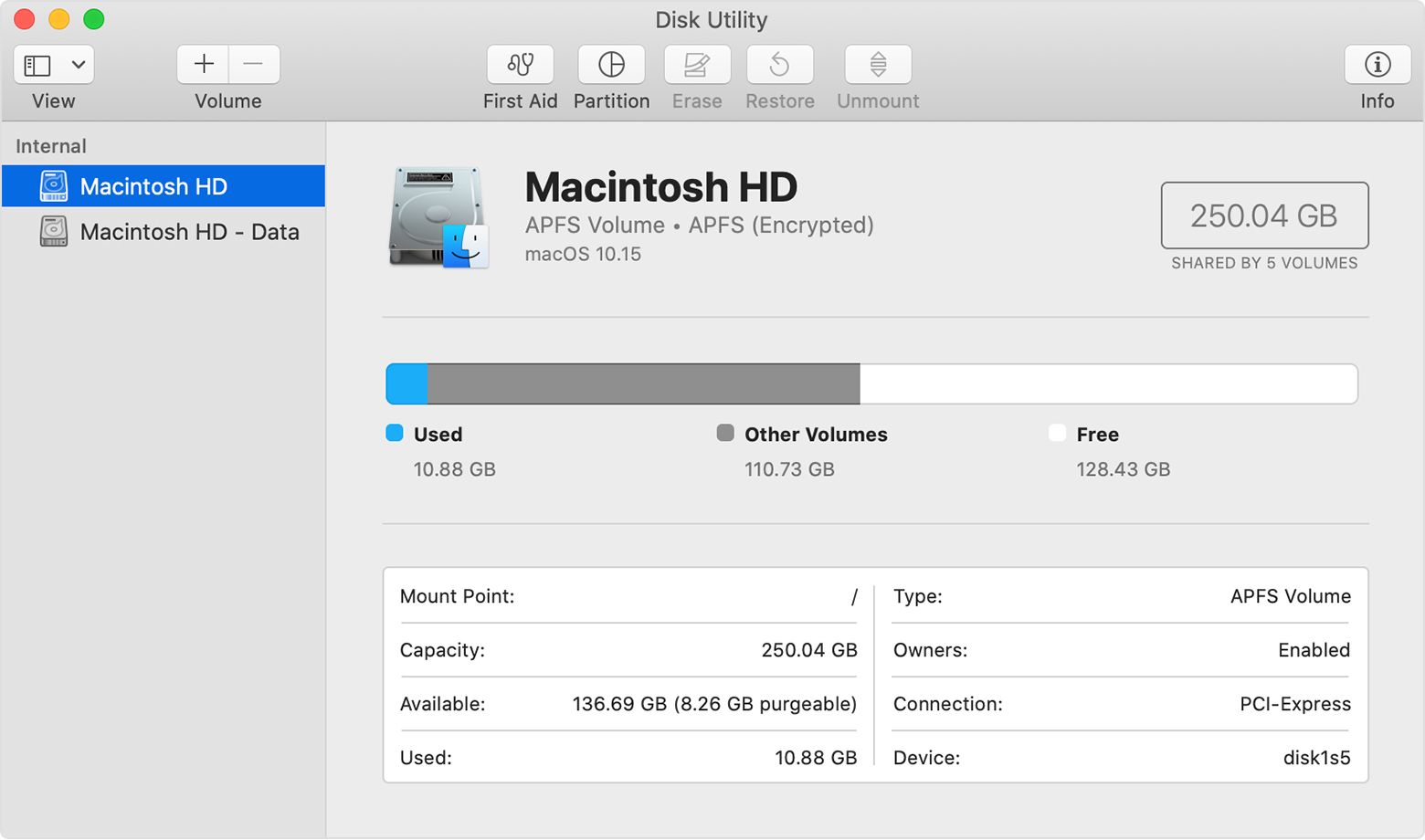
After the installation of Catalina, all the user created folders from root are moved into a separate folder and the root folder is made readonly, containing only system default folders.
Is it possible to make the root folder writeable again?
macOS Catalina runs in a read-only system volume, separate from other files on your Mac. When you upgrade to Catalina, a second volume is created, and some files may move to a Relocated Items folder.
About the read-only system volume in macOS Catalina{:target="_blank"}
Workaround :
Make use of symblinks. Let’s say you want to create a folder called bar at the root directory. Here are the steps :
- Create a folder called
barat/System/Volumes/Data/bar
sudo mkdir /System/Volumes/Data/bar
- Create a symbolic link named bar at
/, which points toSystem/Volumes/Data/bar, a writeable location at the root of the data volume.
echo -e 'bar\tSystem/Volumes/Data/bar' | sudo tee -a /etc/synthetic.conf
- After executing the above command, you need to reboot to see effects.
Useful links :
- https://support.apple.com/en-in/HT210650{:target="_blank"}
- https://apple.stackexchange.com/questions/371908/how-to-make-root-volume-writeable-again-in-catalina{:target="_blank"}