How to fix: The volume can’t be ejected because it’s currently in use
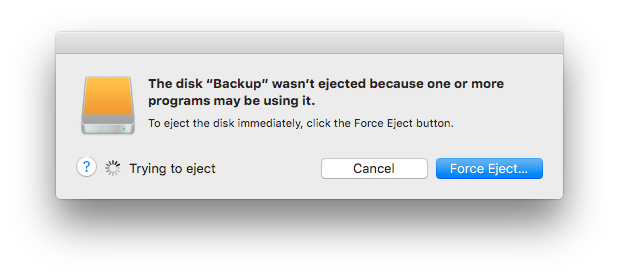
At the time of writing this article, I was using :
- macOS Catalina 10.15.1 Build 19B88
Steps :
Launch the
Terminal.appfrom the Utilities folder of your Applications folderNext we need to find the proper name of our disk:
ls -ll /Volumes/
- Now let’s find out which system process uses our disk. For this we use the
lsoftool.
sudo lsof | grep /Volumes/Samsung\ T5
- Once we know what process is preventing us from ejecting our disk, we can force it to stop. For this we use the
killalltool.
sudo killall mds
- Sometimes you might need to kill the process by its PID.
sudo kill -9 88512
Reference articles :
https://mycyberuniverse.com/macos/how-fix-volume-cant-be-ejected-because-currently-use.html{:target="_blank"}